How to use
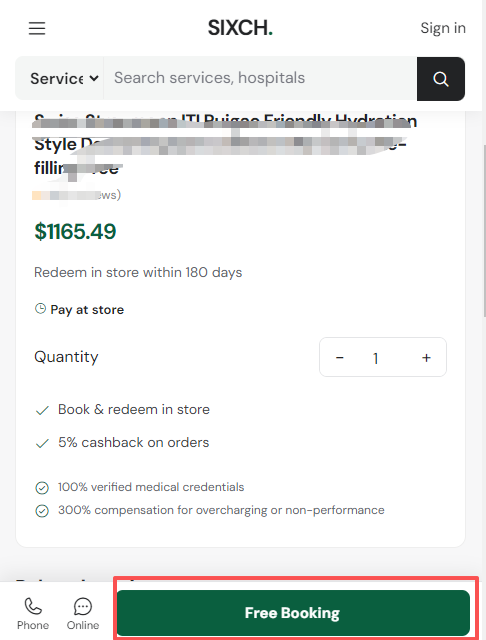
Step 1: ing the service you need (it is best to confirm the details with the merchant first). When communicating online, please do not conceal any underlying medical conditions that certain packages cannot accommodate — for example, high blood pressure is not accepted by some packages. Then click “Booking”.
Step 2: Fill in the booking information
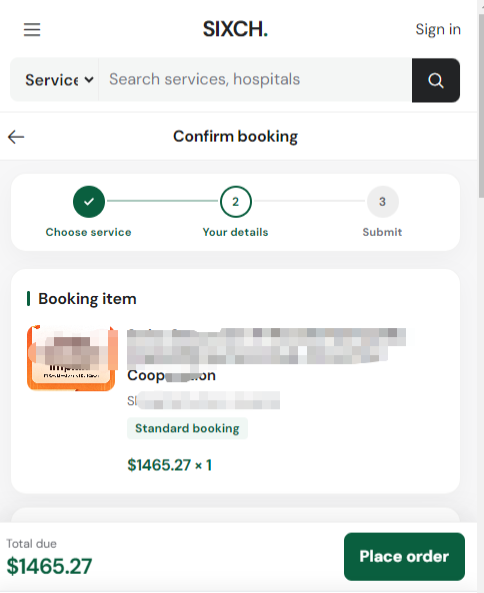
Step 3: Confirm the booking information
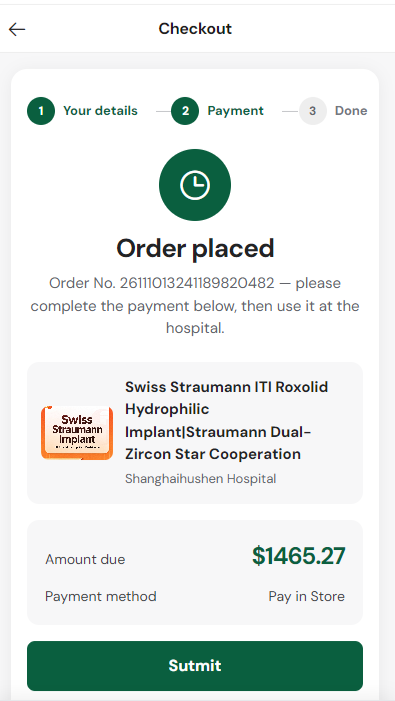
Step 4: Your booking has been created. In “My Orders” you will find an “Electronic Redemption Code” (at this point the price and the service details are already confirmed). Normally, the service can be redeemed at the store within 180 days.
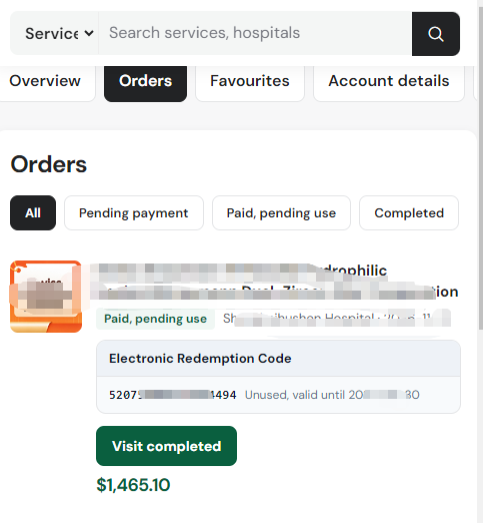
Step 5: Once you are at the merchant's store, send the Electronic Redemption Code to the merchant so that your booking details can be verified. (The 5% cashback is issued only after the hospital has verified the code and you have completed payment at the hospital.)
Step 6: After the merchant has completed your service package, make the payment at the merchant's store.
Step 7: Leave an objective review of the service provided by the merchant.